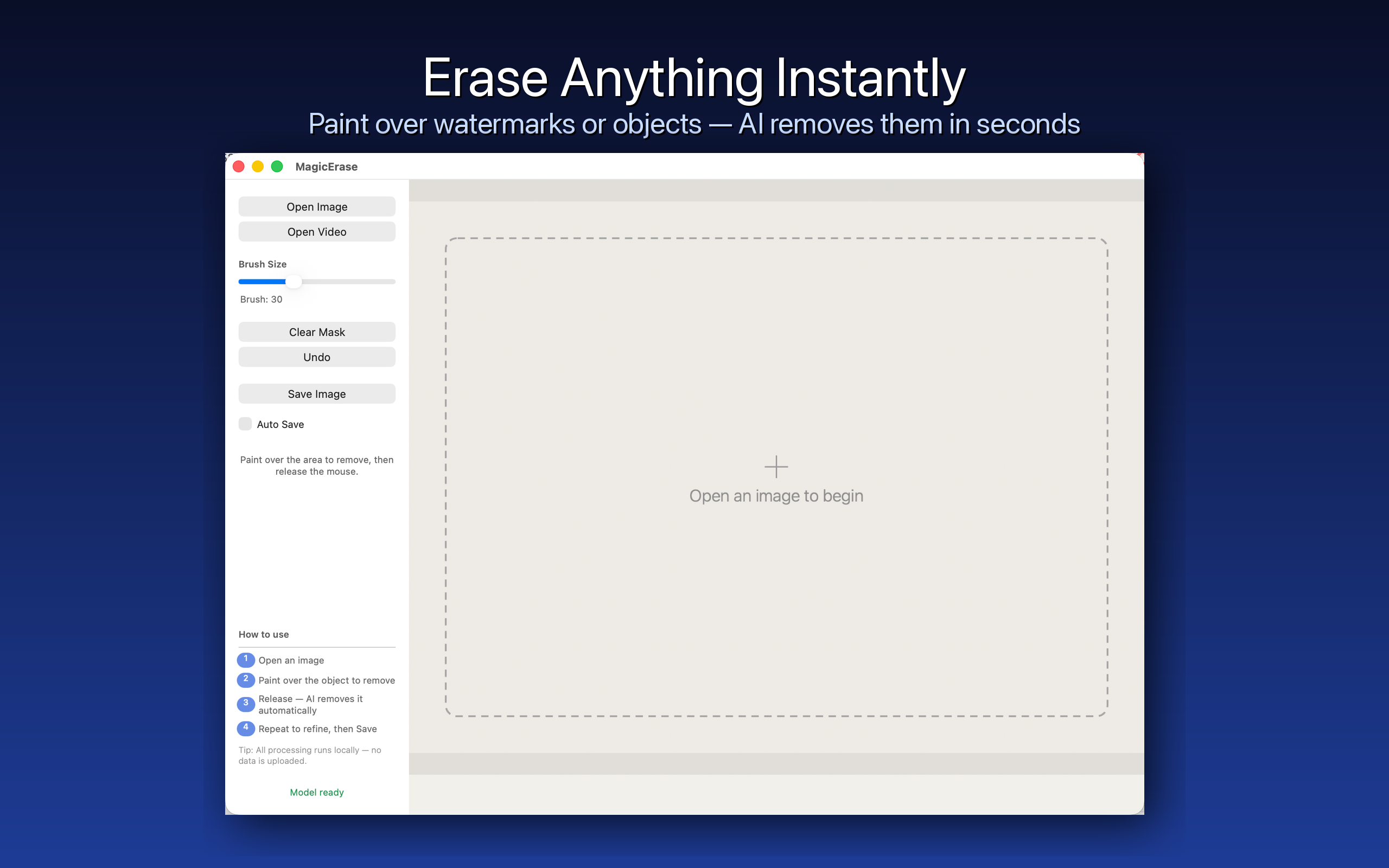
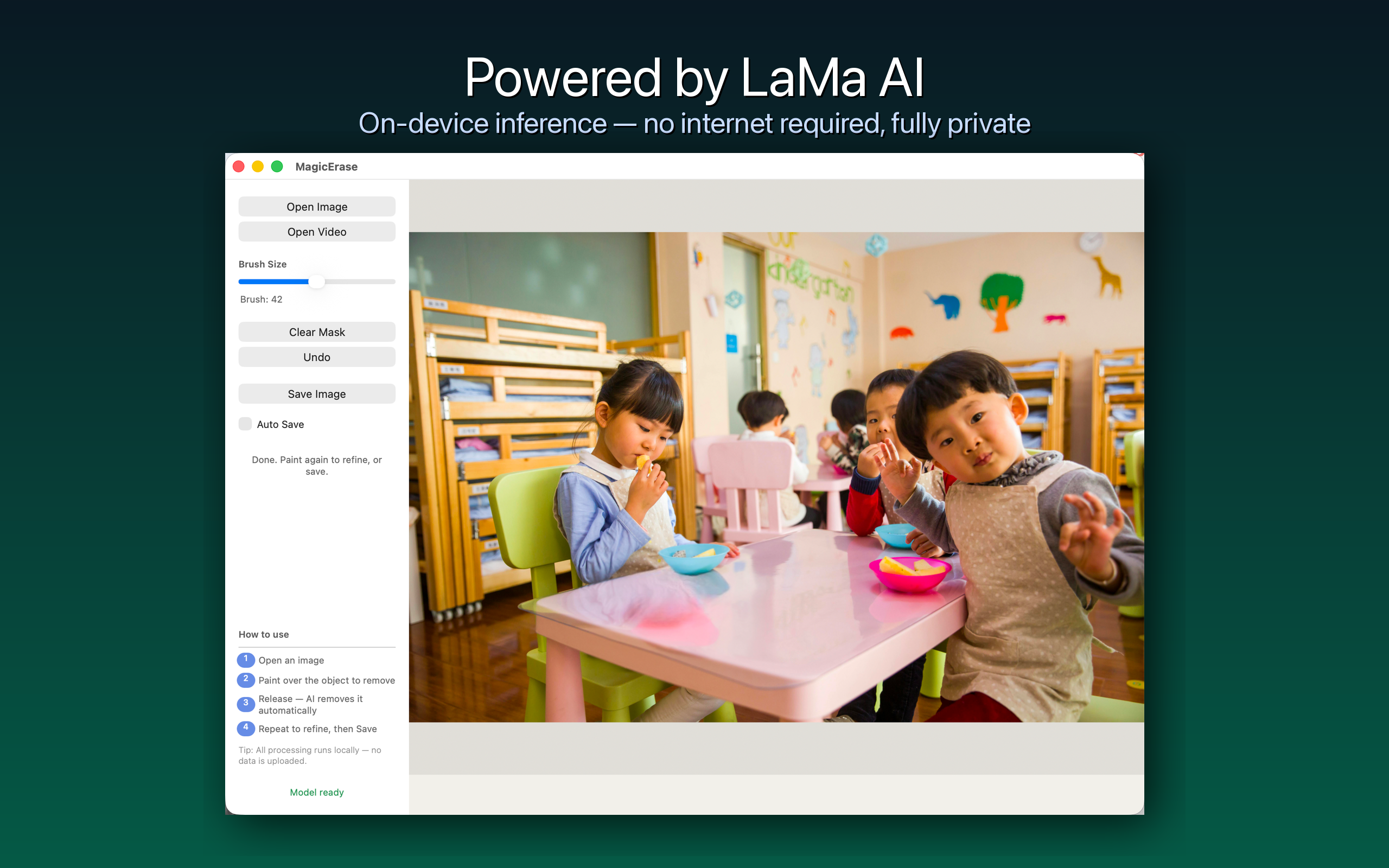
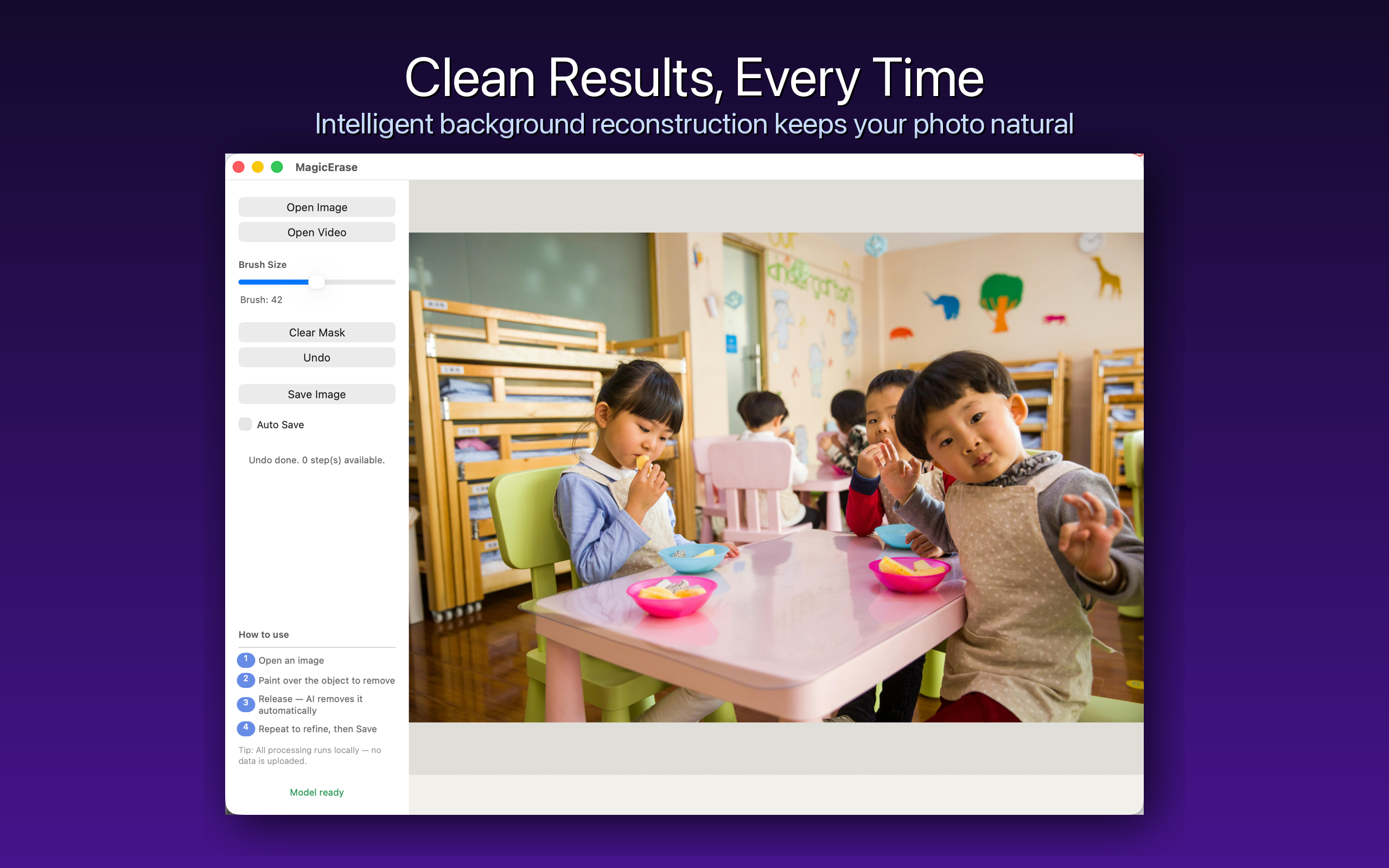
Paint over watermarks, objects, or blemishes with your mouse. Magic Erase reconstructs the background instantly using advanced AI.
Powerful AI meets a simple, native macOS interface — no setup, no subscription.
Simply brush over any watermark, logo, or object. Release the mouse and the AI fills it in seamlessly.
Your photos never leave your Mac. The LaMa model runs entirely on your CPU and GPU — no cloud, no account.
Inference completes in about one second regardless of the original image size — the model always works at 800×800.
Every edit is saved in history. Step back through multiple inpainting passes at any time.
Open JPEG, PNG, HEIC, TIFF and more. Drag and drop files straight onto the window to get started.
Apply the same erasing template across dozens of images at once — perfect for removing recurring watermarks.
Click Open or drag any image onto the window. Supports JPEG, PNG, HEIC, TIFF and other common formats.
Use the brush to paint over the watermark, text, or object you want removed. Adjust brush size as needed.
Release the mouse and watch the AI reconstruct the background. Save the result as PNG or JPEG.
Magic Erase does not collect, upload, or transmit any images or personal data. All AI processing happens locally using Apple's CoreML framework.
Read our Privacy Policy →